Choose applications
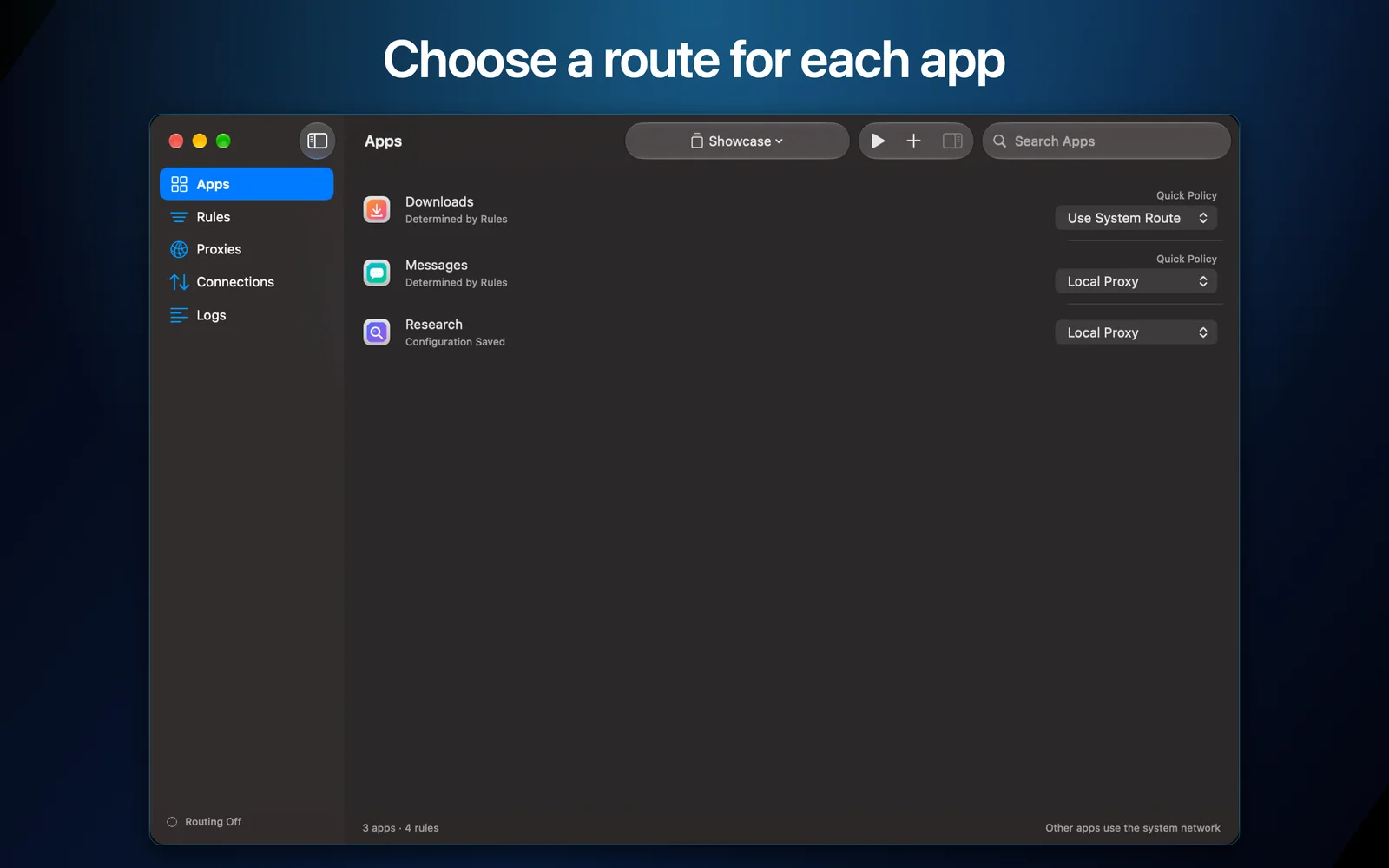
Add the apps you want to control. An empty configuration intercepts nothing.
Application routing for macOS

Choose which Mac apps use a proxy, a proxy chain, the system route, or no connection at all—without turning your whole Mac into one network profile.
Version 1.0.0 · macOS 14 or later. Availability varies by App Store region.
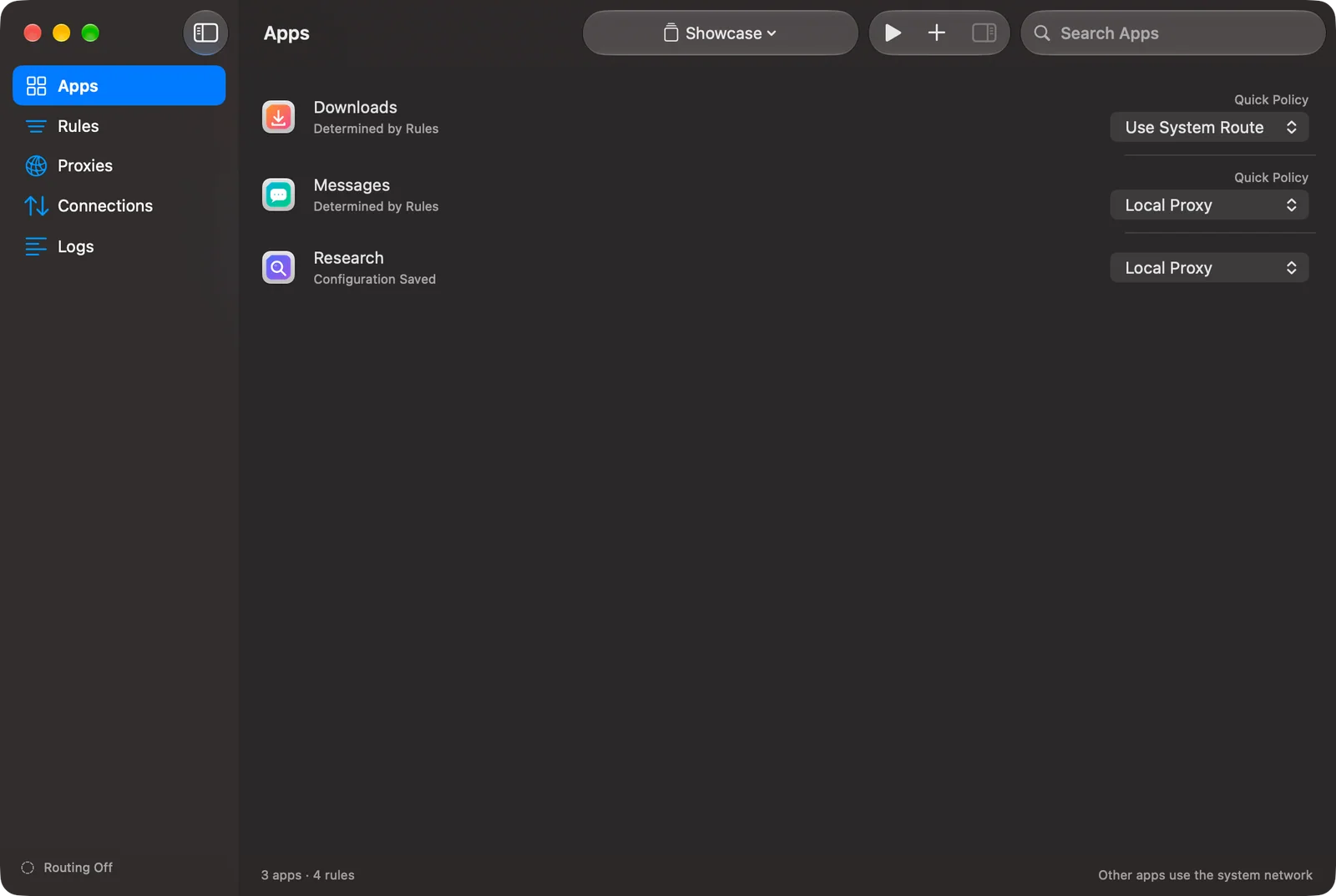
AppLane in action
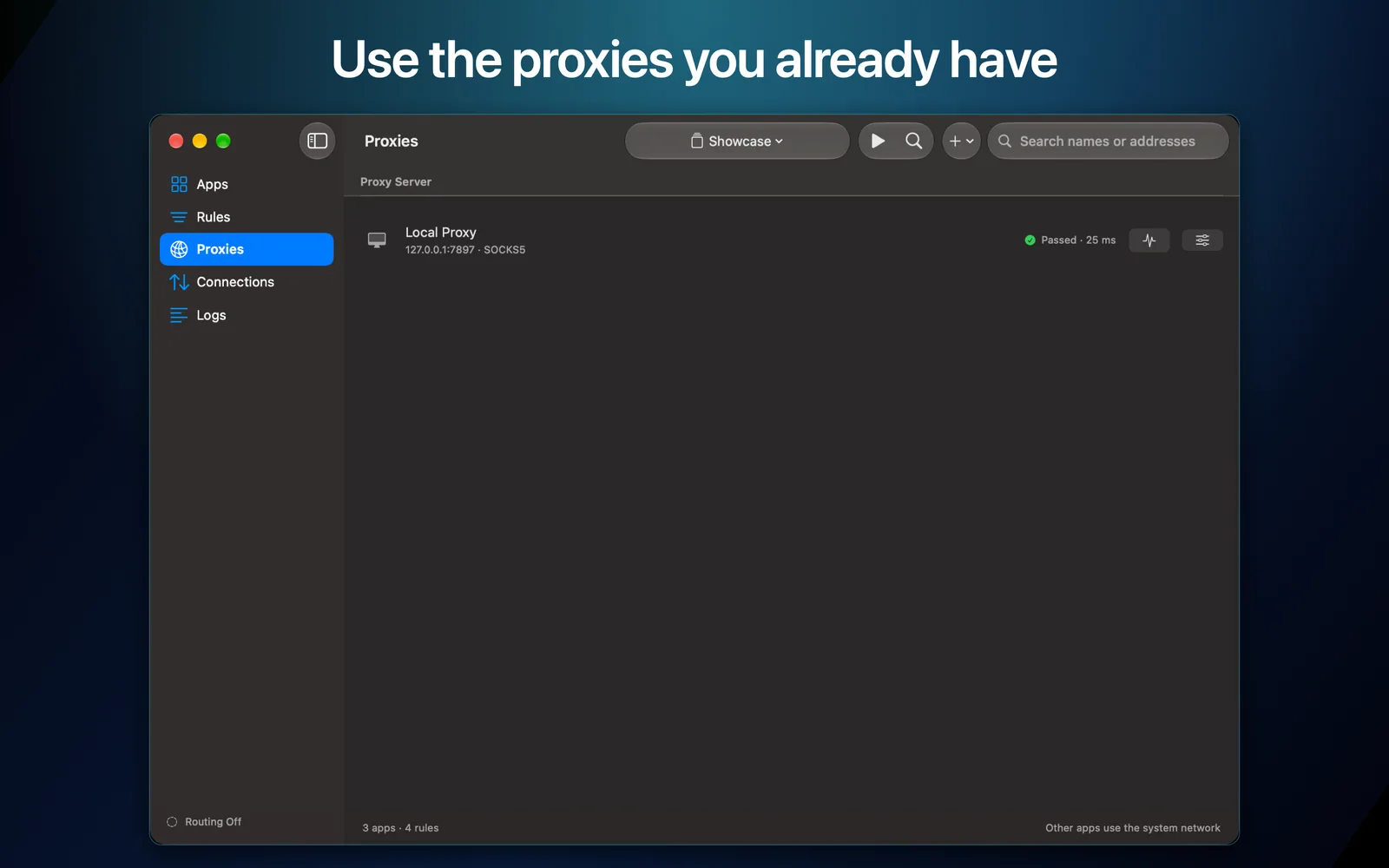
Choose apps, add your existing proxies, create rules, inspect connections, and keep separate setups for different places.
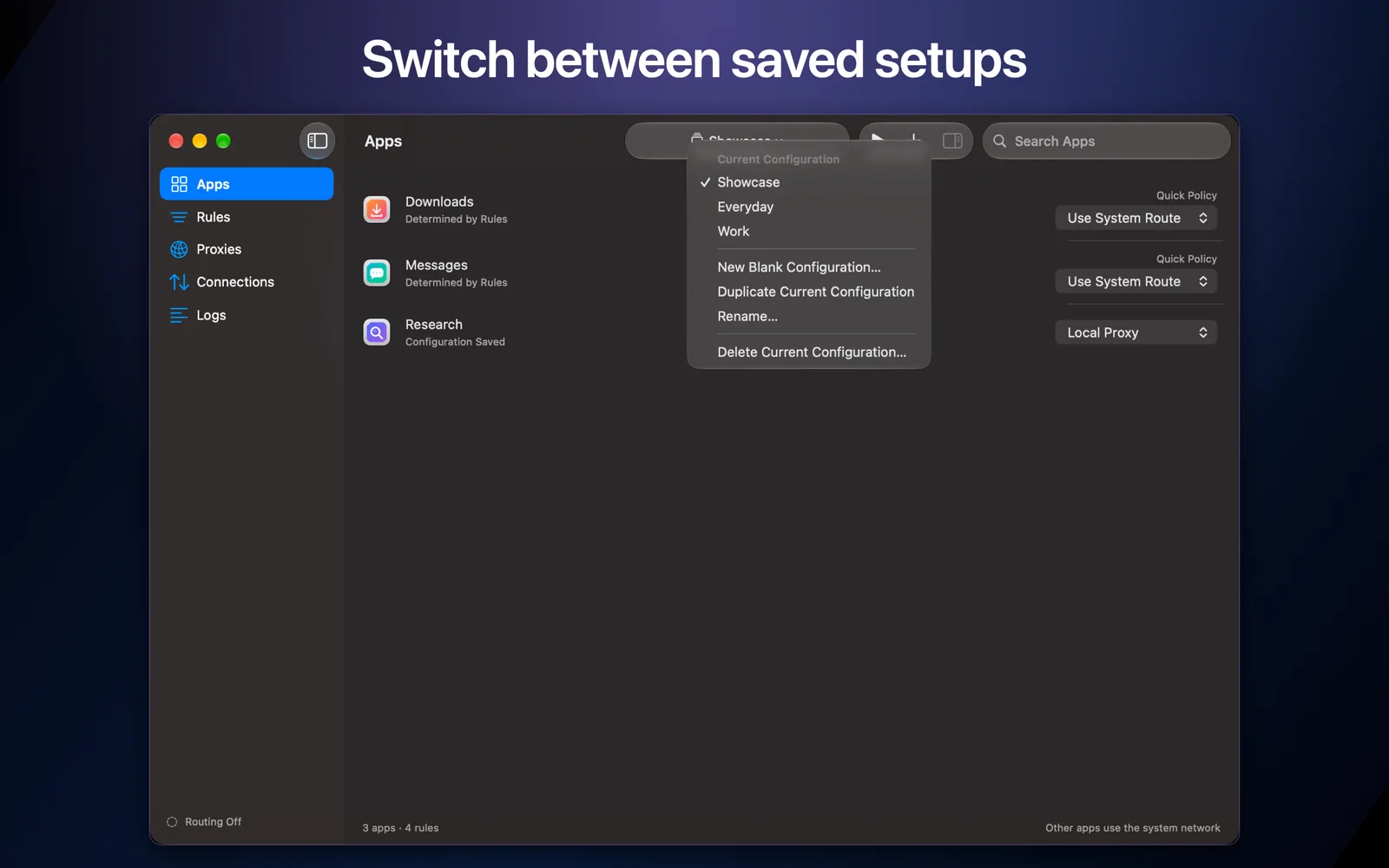
One Mac. Different lanes.
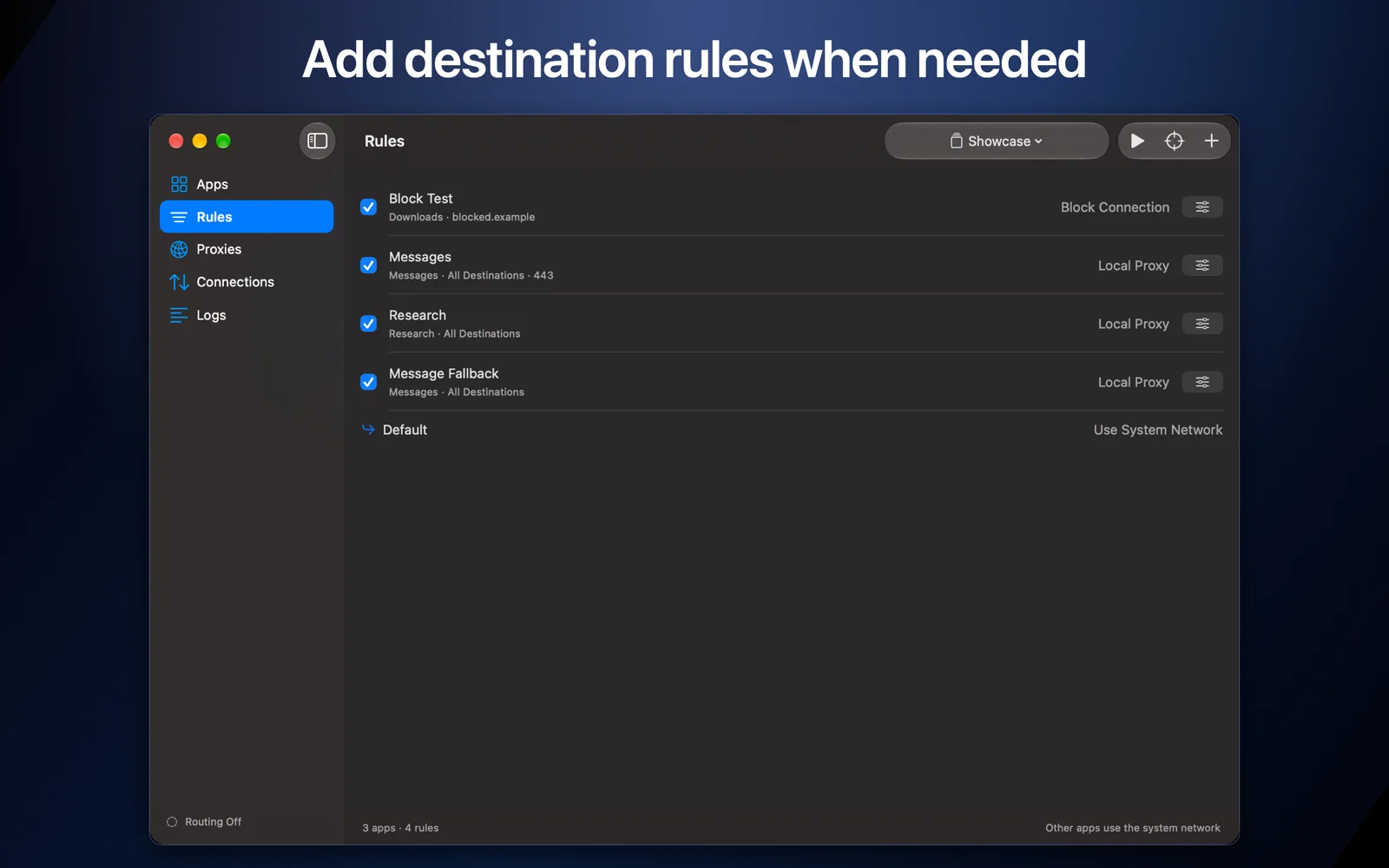
AppLane evaluates ordered rules using the source app, destination, and port. New connections follow the first matching rule.
Add the apps you want to control. An empty configuration intercepts nothing.
Combine app identity, host patterns, IP ranges, and ports, then route through SOCKS or HTTP CONNECT endpoints and chains.
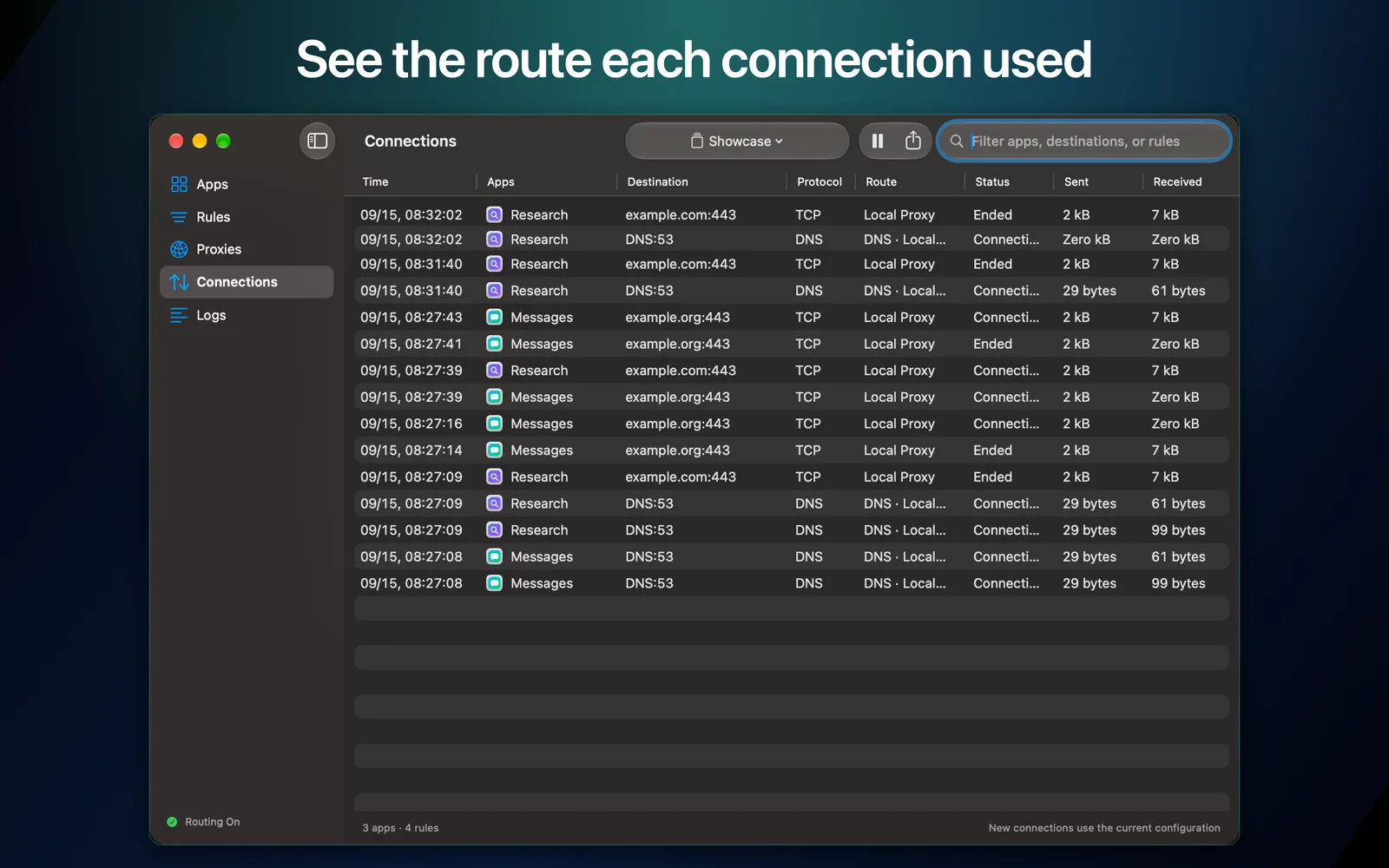
Review the destination, chosen route, state, traffic counters, and the rule explanation captured when a connection began.
Private by construction
AppLane has no account, ads, analytics, tracking, telemetry, or developer data service. Configuration stays in the app sandbox and proxy credentials use the macOS Keychain.
Read the full privacy policyTCP routing is the primary path. UDP support is limited to a single SOCKS5 hop with fixed IP destinations. DNS offers Automatic, System DNS, and All Through Proxy modes. This version does not provide continuous disconnection protection.
View setup and support details