CAJ and PDF.
Made for your
Apple devices.
Read papers, organize documents, highlight and annotate, and sync with iCloud. Use Foleno on iPhone, iPad and Mac, with optional AI Chat powered by your own model service.
Public beta on iPhone, iPad and Mac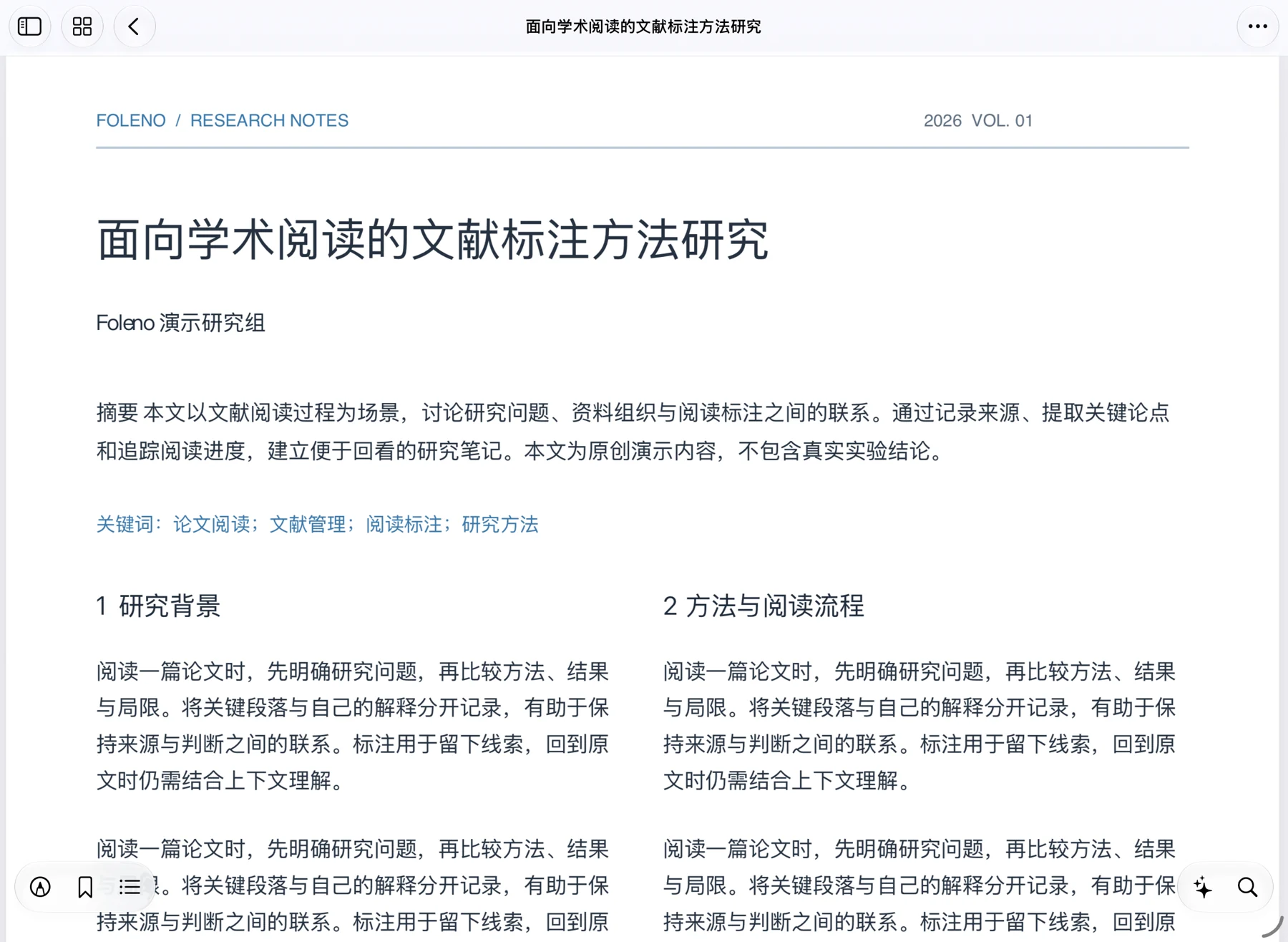
Read the paper.
See the details.
Give papers, charts and two-column layouts room to breathe. Page navigation, thumbnails, text search and bookmarks help you find the passage you need.
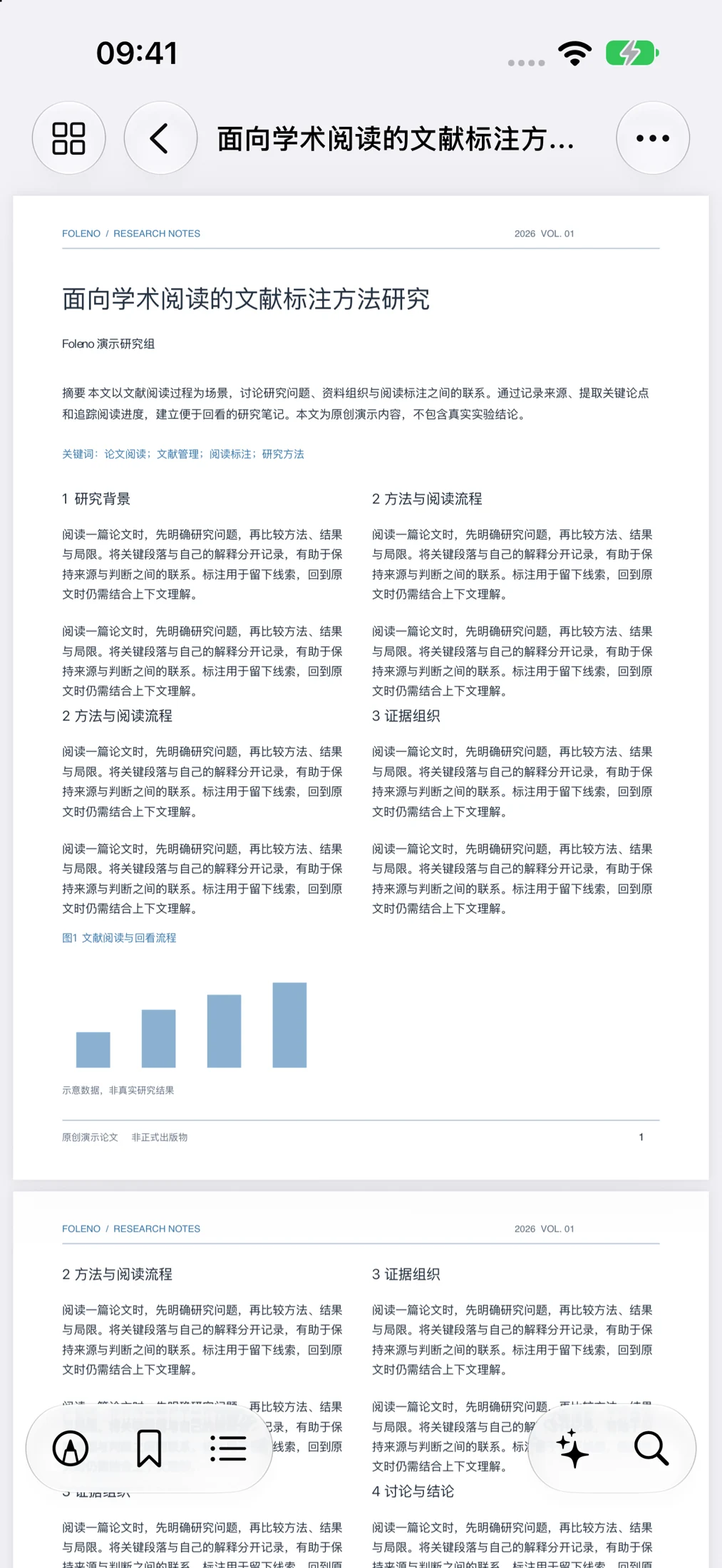
Format support: Foleno reads PDFs and a subset of CAJ internal formats. Encrypted, damaged or unsupported CAJ variants may not open. Search and selection in scanned papers depend on an available text layer.
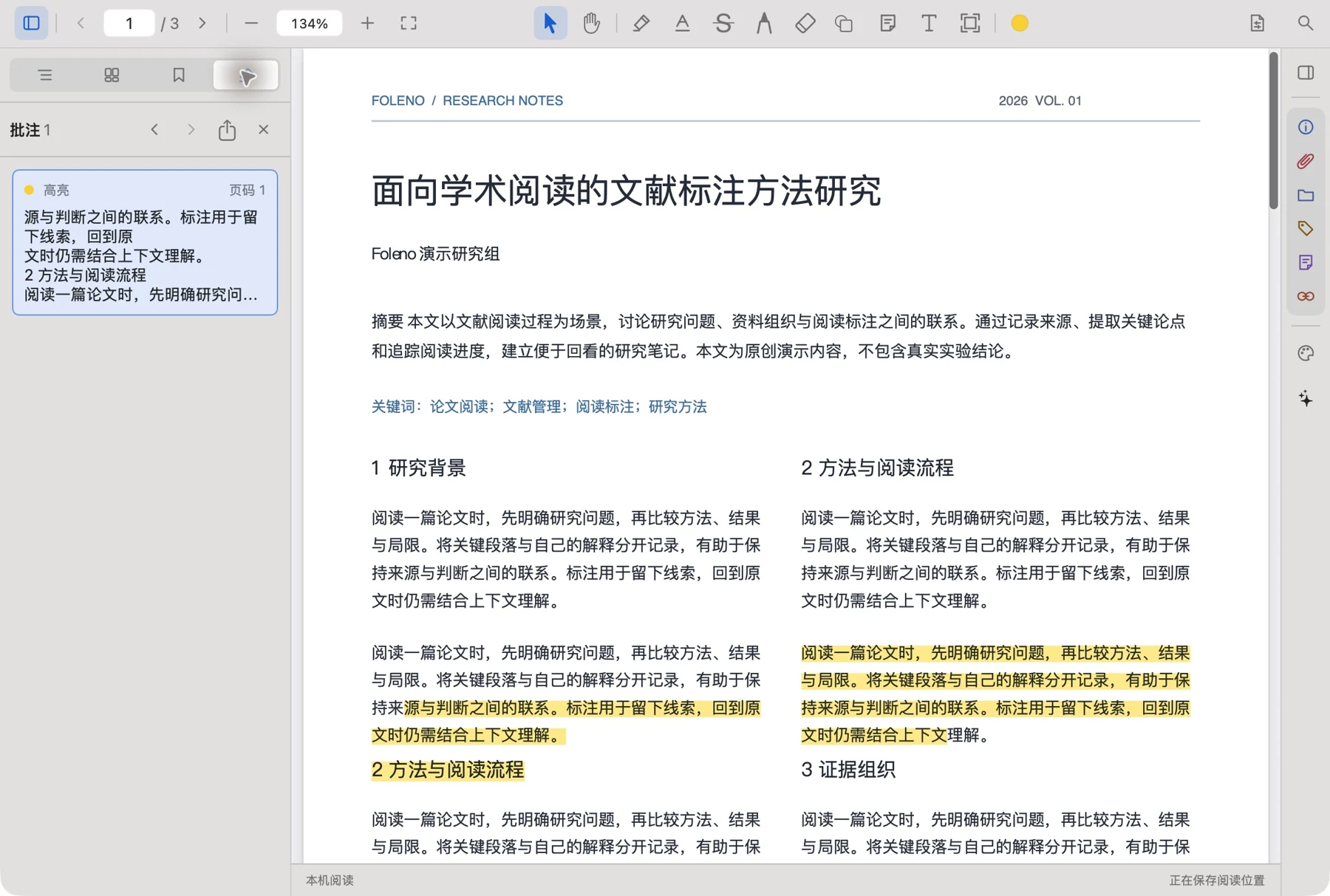
Highlight a passage.
Keep a thought.
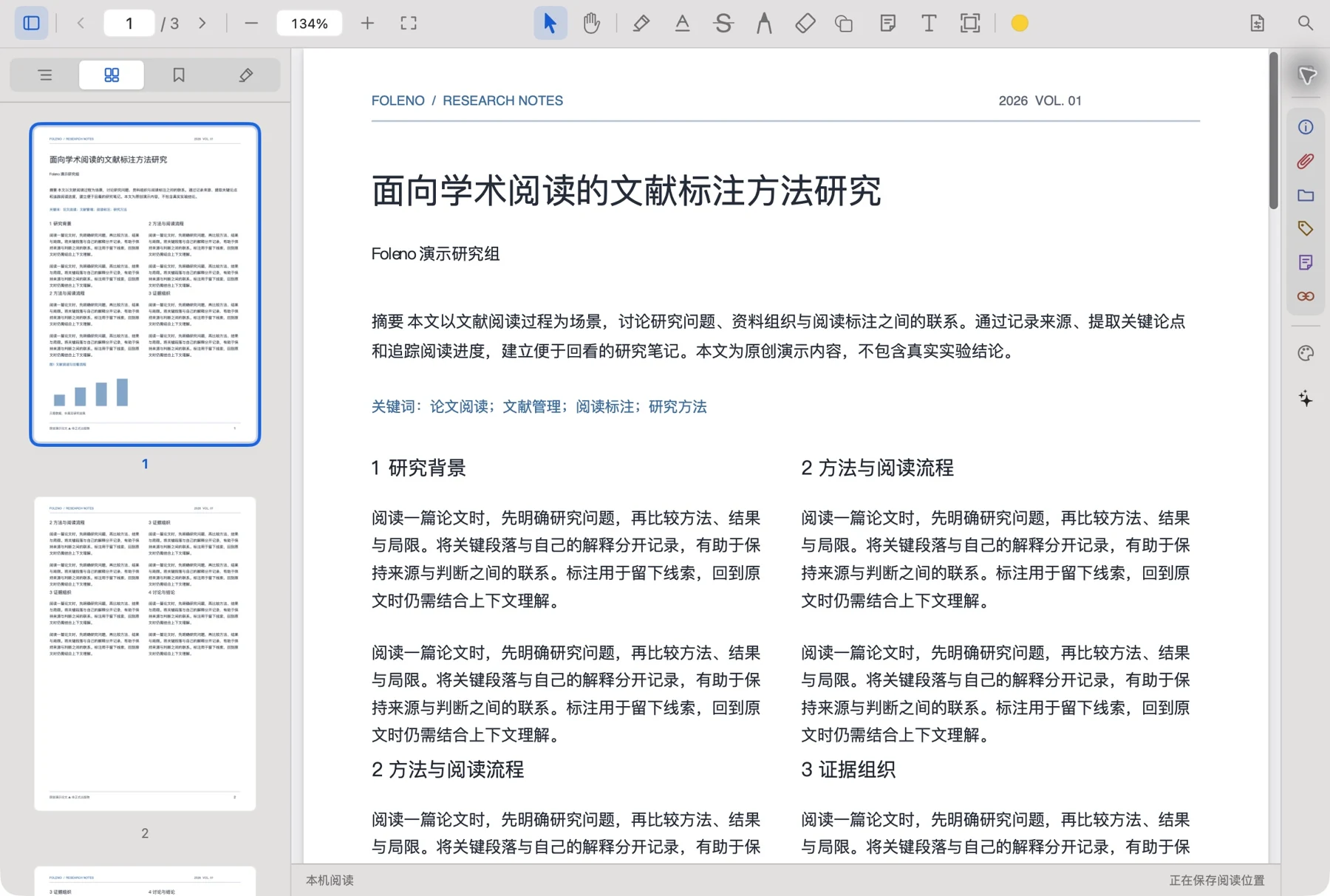
Mark what matters and add questions as you read. Return to your annotations when you revisit the paper.
- Highlight important text and add comments
- Bookmark pages you want to revisit
- Tools adapted to your device and input method
Your papers.
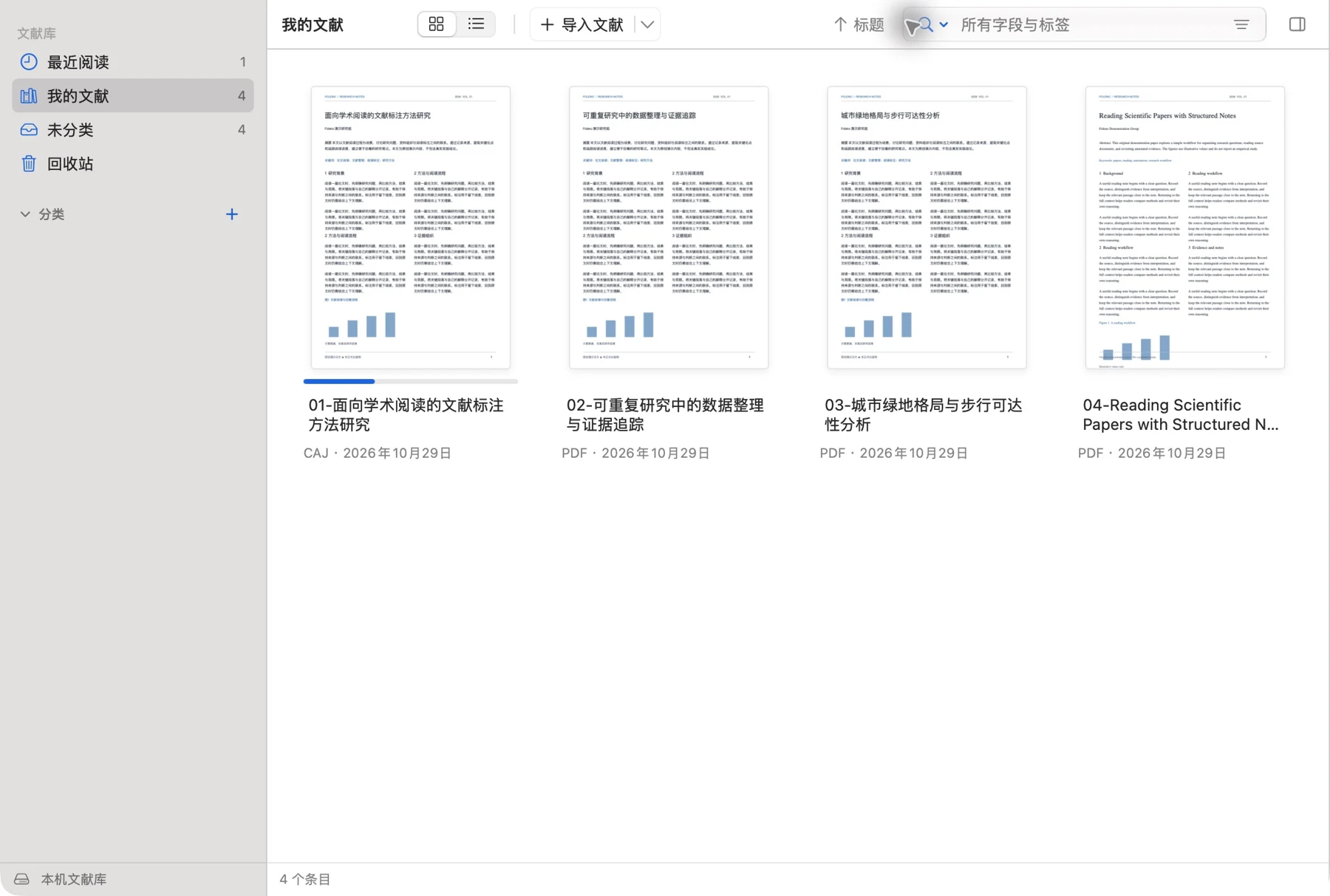
Your way to organize.
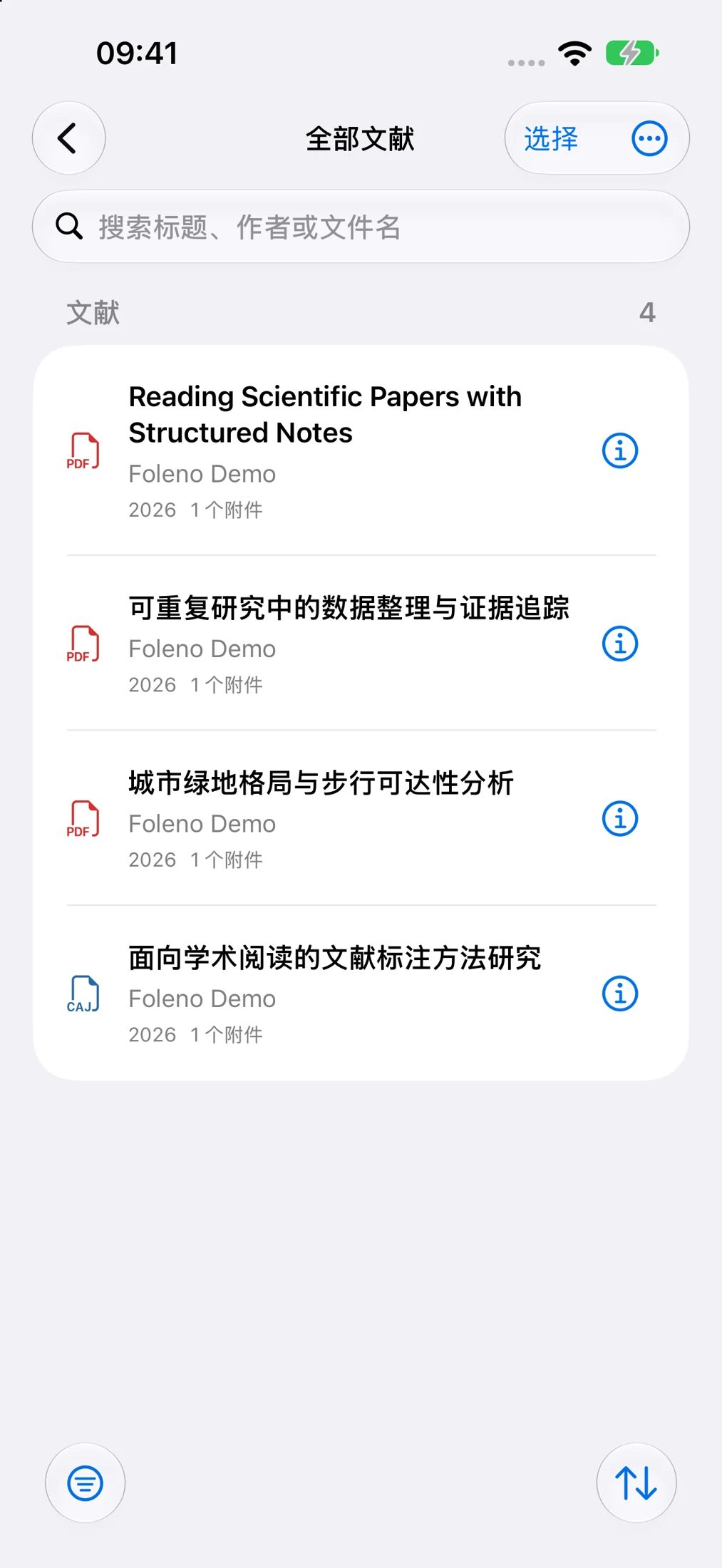
Group research topics into collections, add bibliographic details and tags, and find documents with library search. Reading and organizing belong in one workflow.
- CAJ and PDF in one library
- Collections, metadata and tags
- Original files preserved for later use
One library.
Continue on another screen.
Sync documents and reading data between iPhone, iPad and Mac signed in to the same Apple Account. Keep your research with you as you switch devices.
Your library and reading data
AI Chat.
Your own model.
Ask about selected text or the current page to help understand a paper. Choose the context, then configure your own model service and API key.
- You choose the document content to share
- Your own endpoint and API key
- Local reading works without a model service
This is a workflow illustration. Foleno does not provide hosted models, a shared proxy or service quotas. Remote services process requests under their own policies.
Native to Apple. Adapted to the way you read.
Light and dark appearances, accent colors, and layouts suited to different screens and input methods.
Accent colors
A few things
before you start.
The essentials about formats, sync and AI.
Visit Support & Help →Can Foleno open every CAJ file?
Not every file. CAJ has multiple internal formats and Foleno supports a subset. Encrypted, damaged or unsupported variants may not open. Please keep your original files.
Where can I try it?
The public beta is available through TestFlight on iPhone, iPad and Mac. Requires iOS / iPadOS 17 or later, or macOS 14 or later.
How do my devices sync?
Sign in to the same Apple Account, enable iCloud, and check the sync settings in Foleno. Progress depends on network conditions, available iCloud storage and system scheduling.
Does AI Chat need setup?
Configure your own model service and API key, then choose document content to use as context. Foleno does not include hosted models or service quotas. Basic local reading works without AI configuration.
Are papers automatically sent to AI?
Importing a file or reading locally does not automatically start a model request. When you use a remote AI feature, the content you choose to send goes to your configured service. Review its privacy policy first.
Does Foleno provide papers to download?
Foleno reads and organizes files you import. It does not provide papers, database access or document download services.

Try Foleno on
iPhone, iPad and Mac.
Join the public beta through TestFlight. Questions and feedback are welcome.
Join TestFlight