Solid Colors & Pixels
Look for pixels that stay bright or dark.
A screen test for Apple TV
See your current display information. Look closer with six simple, full-screen tests.
Available for Apple TV on the App Store
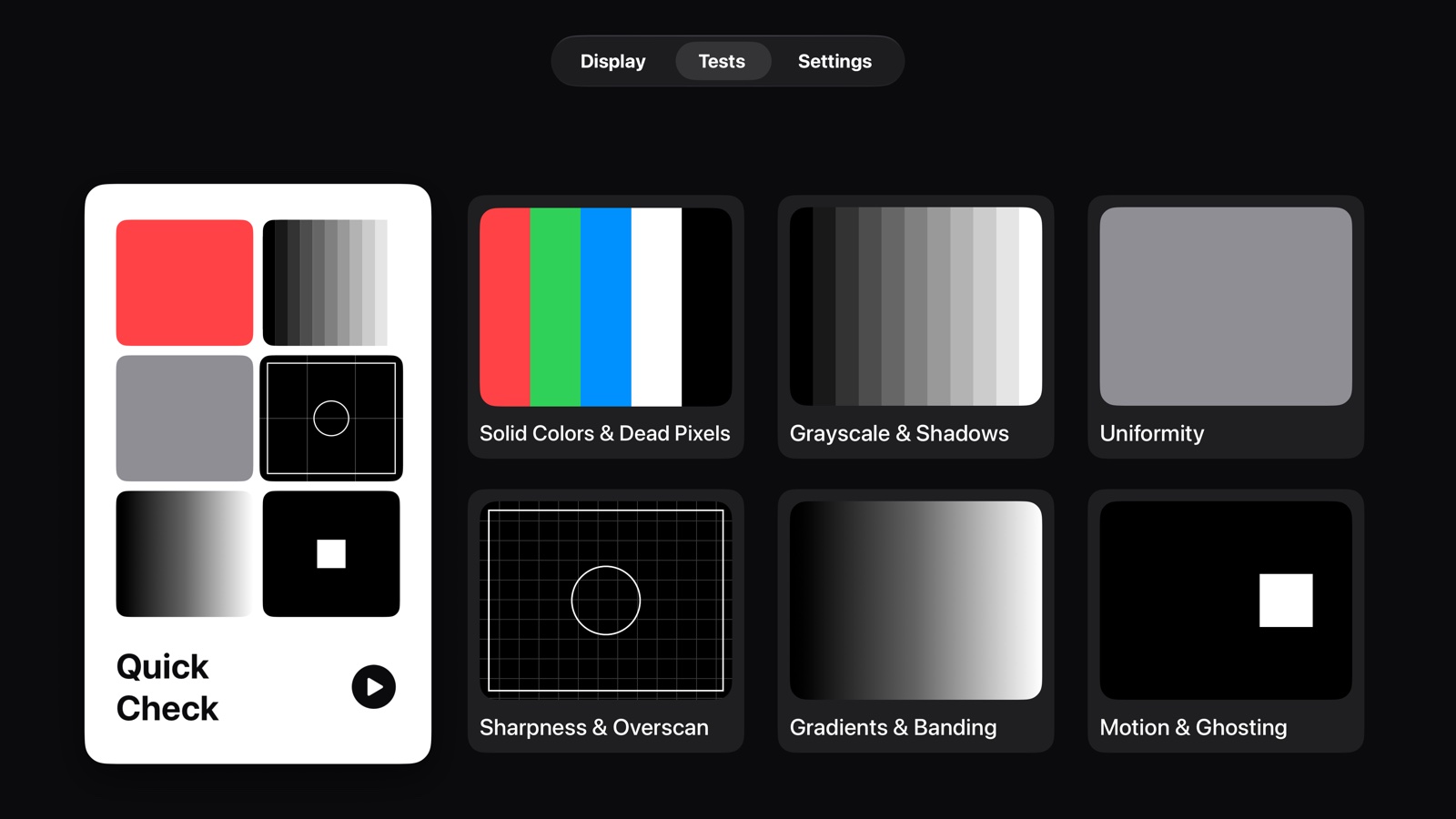
For a new TV, a changed picture setting, or something that doesn’t look quite right.
Look for pixels that stay bright or dark.
See whether adjacent shades stay distinct.
Watch for patches, tint and uneven brightness.
Check the edges, fine lines and checkerboard.
Look for visible steps in smooth transitions.
Follow the moving block and watch its trail.
PIXELYN / APPLE TV
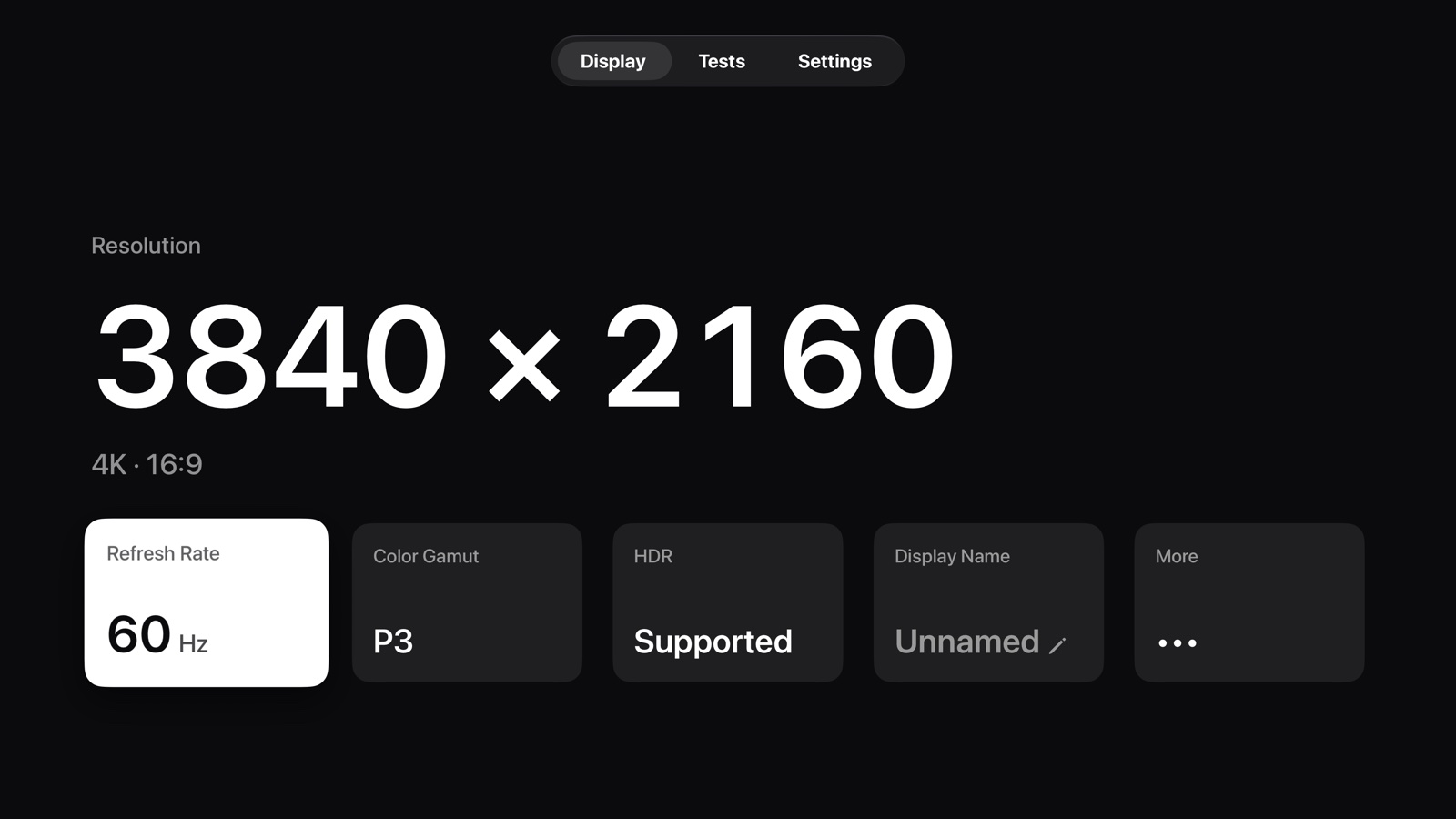
Resolution, frame rate, color gamut and HDR playback capability — the information your Apple TV can report about the current display environment.
These are system-reported values, not measurements of your panel. The test patterns are SDR reference content. Your TV’s picture settings and Apple TV output settings affect the result.
Pixelyn does not connect to the internet. It collects no data and has no accounts, ads, analytics or third-party SDKs.